

250–500 Cards for Events: Best Business Card Printing for Exhibitors
Posted by Deeder Dandenhorf on Aug 29th 2026
250–500 Cards for Events: Best Business Card Printing for Exhibitors
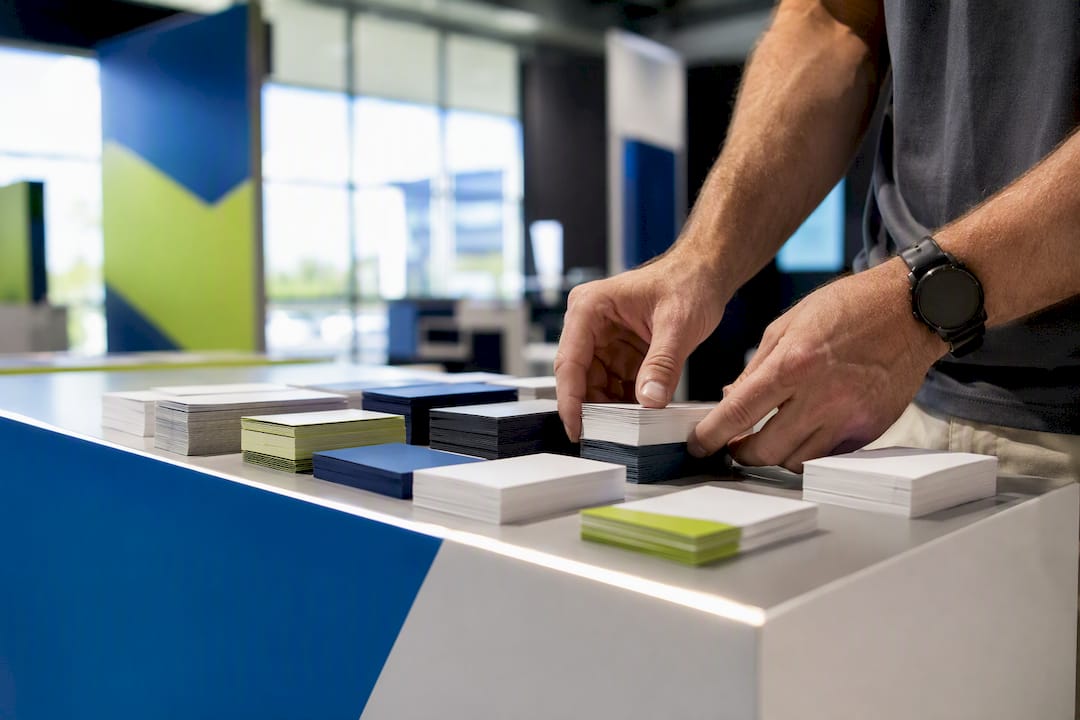
For most small businesses and event exhibitors, the best business card printing comes from a professional printer offering premium cardstock, real proofing support, and a fast turnaround, not a big-box quick-print counter. Arrowhead Sign Company - Signs, Banners and Trade Show Displays is a strong, practical option if you need premium stock paired with event-ready service. If you’re stuck without cards the day before a show, local rush printing is worth considering as a backup.
TL;DR:
- Professional printers offering premium stock and proofing support are better suited for trade shows and busy events than quick-print counters.
- Choosing the right finish depends on how the card will be used, with soft-touch and duplex stocks signaling luxury, and uncoated finishes being better for writable or practical cards.
- Ordering 250 to 500 cards in advance provides a good balance of price, inventory, and flexibility, while last-minute orders should prioritize speed over material choices.
- Confirming actual proofs and clear turnaround times upfront prevents costly errors, especially when rushing or handling specialty finishes like foil or soft-touch.
- Matching card stock and finish to other event materials ensures a cohesive, professional look that enhances brand consistency and visual impact.
Table of Contents
- What Makes the Best Business Card Printing for Your Business?
- How Do You Choose the Right Business Card Printer?
- Which Paper Stock and Finish Actually Fit Your Brand?
- What File Setup and Proofing Steps Prevent Print Errors?
- How Fast Can You Get Business Cards Printed, and What Does It Cost?
- Lessons From Real Trade-Show Orders and Last-Minute Fixes
- Order Business Cards Alongside Your Full Booth Setup
- Sources
- FAQ
What Makes the Best Business Card Printing for Your Business?
Choosing the best business card printing service isn’t about finding the cheapest per-unit price. It’s about matching material, finish, and service speed to how you’ll actually use the cards. A freelance graphic designer handing out cards at a coffee shop has different needs than an exhibitor working a three-day trade show booth where hundreds of cards change hands and every one needs to survive a pocket, a badge holder, and a handshake.
If you fall into the second group, small business owners, event exhibitors, and marketing teams who show up in person and need their cards to hold up under real use, a professional print partner with premium stock options and a genuine proofing process beats a discount online order almost every time.
Who this fits best:
- Exhibitors and trade-show teams who need business cards that match booth signage in color and finish
- Small business owners who want a tactile, memorable card that signals quality on first contact
- Designers and consultants who care about paper weight, coating, and print sharpness as brand extensions
- Anyone ordering cards alongside other event materials (banners, table covers, signage) who wants consistent color and timing
What to expect from a strong printing partner:
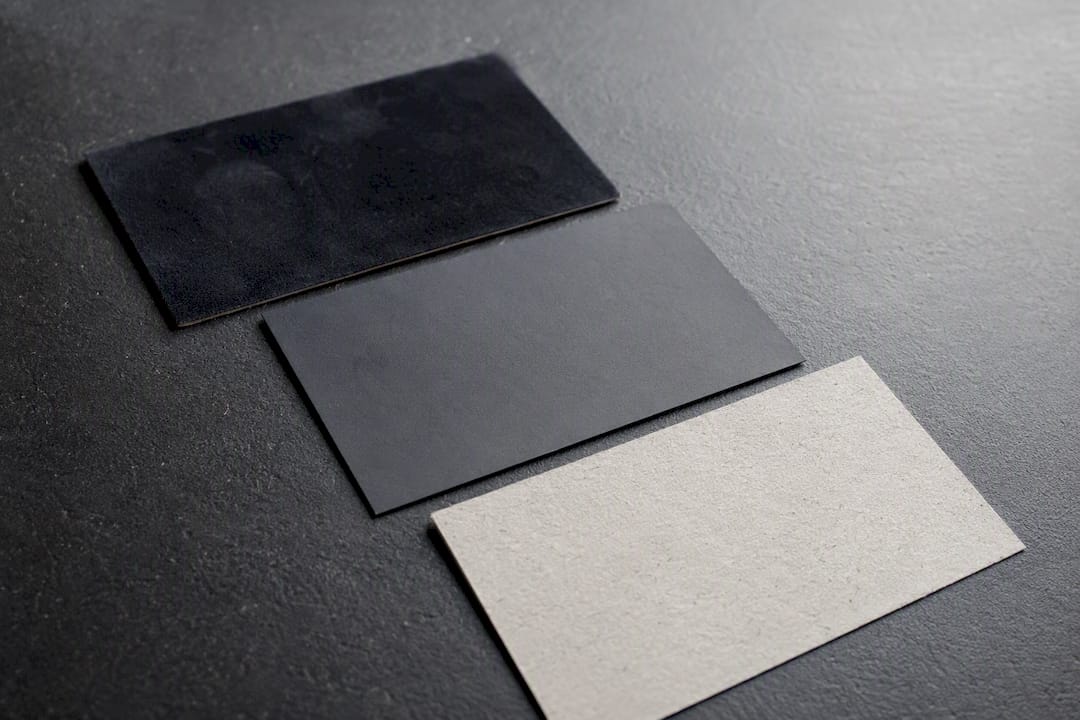
Material access matters most. Look for a printer that offers soft-touch coating, true matte, uncoated stock, and premium duplex options, not just the standard gloss or matte choice most drugstore kiosks offer. Soft-touch lamination in particular has become a go-to upgrade for brands wanting a tactile, premium first impression, since it holds ink well and resists fingerprints while feeling distinct in someone’s hand, according to comparisons of common business card stocks and finishes.
Service strength is the part people underestimate. A printer worth your business will let you review a real proof before the job runs, not just a thumbnail preview buried in a checkout flow. Arrowhead Sign Company - Signs, Banners and Trade Show Displays ships most products within two business days and offers direct delivery to event venues for Arizona-based clients, which matters enormously when a booth date is fixed and cannot move.
Pro Tip: If you’re ordering cards for a trade show, order them at the same time as your booth signage and banners. Placing everything in one order makes it far easier to keep color, finish, and branding consistent across every piece your visitors see.
When should you skip standard online ordering and go local instead? If you’re 48 hours or less from an event and don’t already have a print-ready file approved, a local rush shop with same-day pickup is the safer bet, even if the stock options are more limited. Standard premium ordering makes sense any time you have a week or more of lead time, since that window gives you room for a proof, a correction round if needed, and standard shipping without paying rush fees. The tradeoff is straightforward: rush local printing buys you speed at the cost of material selection, while planned online ordering buys you better paper and finish choices at the cost of lead time.
How Do You Choose the Right Business Card Printer?
Every printing decision comes down to five variables pulling against each other: print quality, stock, finish, proofing, and turnaround, all balanced against price. Get clear on which of these matters most for your situation before you request a quote, because optimizing for the wrong one wastes money.
1. Decide what “quality” means for your use case. A networking card that lives in someone’s wallet for six months needs durability more than flash. A card handed out at a design conference needs to visually signal craft. A card used for appointment reminders needs writable space. These are three different specs, not one generic “good business card.”
2. Match stock thickness to purpose. Standard professional cards run medium thickness cardstock, which industry guidance maps to roughly 324 to 400 gsm. That range covers the vast majority of use cases well. Reach for heavier duplex stock (18 pt to 32 pt or more) only when you specifically want a luxury, high-end signal, since the added cost is real and the durability gain past 16 pt is marginal for typical handling.
3. Pick a finish based on how the card gets used, not how it looks in a mockup. Glossy finishes photograph well but scratch and show fingerprints. Matte and soft-touch resist marks better. If anyone will write on the card (appointment times, a note, a second phone number), coated glossy stock is a poor choice, since ink tends to smear or bead on the surface.
4. Confirm proofing is included, not optional. A printer that skips a proof step and jumps straight to production is optimizing for their turnaround time, not your accuracy. Ask specifically whether the proof is a real color-matched digital proof or just an order confirmation email.
5. Get a real turnaround number, not a range that hides the worst case. “3 to 10 business days” tells you nothing useful. Ask what happens if a proof correction is needed, since that step often resets the clock.
Concrete specs for common needs:
| Use case | Recommended stock | Recommended finish |
|---|---|---|
| Standard networking card | medium thickness cardstock | Matte or satin |
| Premium brand signal (design, real estate, luxury retail) | 16 pt or duplex 32 pt+ | Soft-touch or spot gloss accent |
| Writable card (appointments, service notes) | medium-thickness uncoated cardstock | Uncoated matte |
| Trade-show giveaway matched to booth graphics | 16 pt | Matte, color-matched to signage |
Questions to ask any printer before you order:
- What cardstock weight and finish options do you offer, specifically by name?
- Will I see an actual proof before the job runs, and how long does a correction round add to turnaround?
- What’s your standard turnaround in business days, and do you offer rush or same-day options?
- Do you print in-house or send jobs to a third-party facility?
- Can you match Pantone colors across my business cards and other event materials?
Red flags that should make you walk away:
- No proofing step offered at any price tier
- Turnaround listed only as a vague range with no rush option specified
- No named stock weights (just “standard” or “premium” with no pt or gsm figure)
- No way to reach a real person if a job needs a correction before an event deadline
Which Paper Stock and Finish Actually Fit Your Brand?
The stock and finish you pick send a message before anyone reads a word on the card. A 14 pt matte card and a 32 pt soft-touch duplex card communicate completely different things about a business, even with identical text and logo.
Thickness: standard vs. premium. For most businesses, a commonly recommended cardstock with a matte or satin finish offers a good balance of cost, durability, and print quality. This is the workhorse range, and it’s what most professional service businesses, consultants, and small retailers should default to. Duplex stock, two sheets laminated together for a very thick card, sends a distinctly upscale signal and works well for boutique agencies, luxury brands, and anyone whose card doubles as a physical marketing artifact rather than just a contact reference.
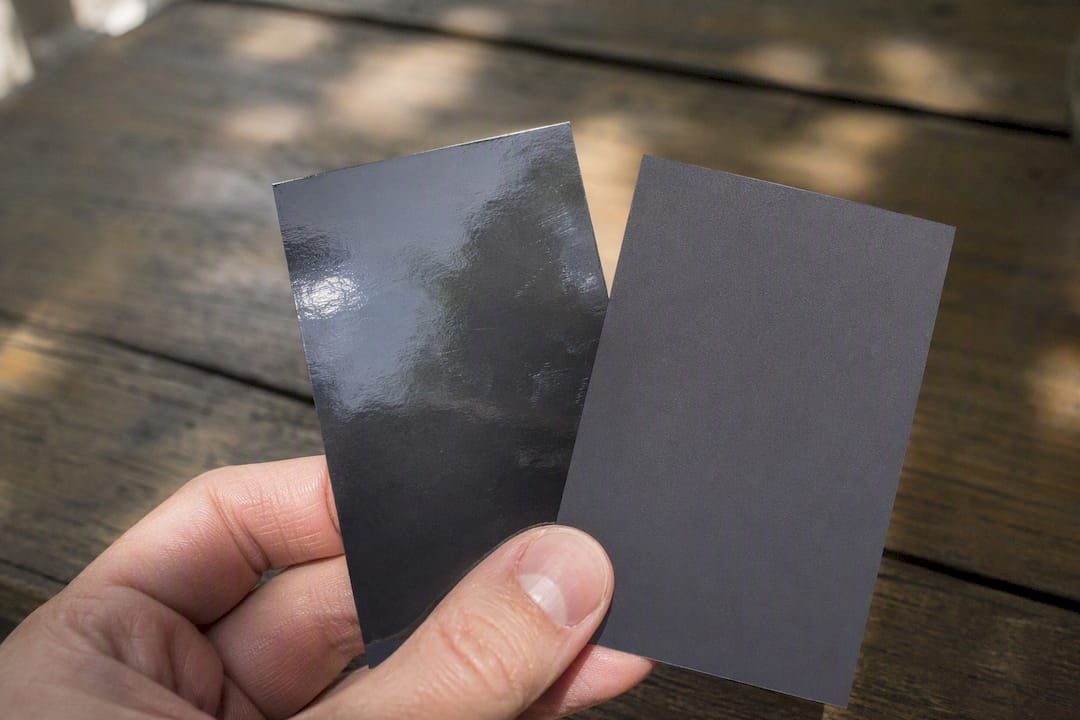
Finish trade-offs matter more than most people realize. Glossy coated stock produces vivid, saturated color and works well for photography-heavy designs, but it picks up fingerprints and can feel slippery. Soft-touch coating gives a velvety, tactile finish that holds color well and resists prints, which is why it’s become a favorite for modern tech and boutique brands wanting a premium feel. Matte and uncoated stocks trade some visual punch for practicality: matte or uncoated stocks are easier to write on than glossy coated stocks, and ballpoint pens perform better on them than gel pens do. If your card needs to double as a notepad for appointment times or referral notes, skip soft-touch and coated gloss entirely and choose uncoated matte.
There’s a compatibility issue worth knowing before you fall in love with a design mockup: some uncoated stocks may have difficulty holding metallic foil cleanly, so if you’re planning foil accents or spot gloss on an uncoated base, test a sample first rather than committing to a full run.
Sustainable and recycled stock options have become widely available and work fine for most standard business cards, particularly for brands where sustainability is part of the value proposition. The trade-off is usually a slightly less crisp print result on very fine detail, which matters little for typography-forward designs and matters more for photo-heavy layouts.
Quick reference for stock and finish decisions:
- Standard professional use → medium-thickness cardstock with matte or satin finish
- Premium brand signal, minimal handwriting needed → soft-touch or very thick duplex stock
- Writable card, appointment or service business → uncoated matte, 14 pt
- Photography or bold color design → coated gloss medium-thickness cardstock
- Sustainability-focused brand → recycled uncoated stock of medium thickness
Design restraint tends to pay off more than people expect: a clean, minimal layout on premium stock reads as more expensive than a busy, colorful design on thin paper, according to comparative reviews of business card stocks. If you’re choosing between spending your budget on a fancier design or a better stock, the paper usually wins.
What File Setup and Proofing Steps Prevent Print Errors?
Most business card printing mistakes trace back to file setup, not the printer’s equipment. Get the file right and the rest of the process runs smoothly.
File format and color requirements:
- Submit a print-ready PDF (specifically PDF/X format when your printer supports it) rather than a JPEG or PNG, since PDFs preserve vector data and embedded fonts
- Convert your file to CMYK color mode before submission; RGB files shift color unpredictably when converted during production
- Embed all fonts or convert text to outlines so nothing reflows or substitutes on the print side
- Keep your logo and any line art in vector format (AI, EPS, or vector PDF) so edges stay sharp regardless of final print size
Trim, bleed, and safe area for a standard 3.5 x 2 inch card:
Set your bleed at a minimum of 0.125 inches beyond the trim line on all sides, so any background color or image extends past where the card will actually be cut. Keep all text, logos, and critical design elements at least 0.125 to 0.25 inches inside the trim line, inside what’s called the safe area, so nothing gets clipped if the cut shifts slightly during production. Confirming trim size, bleed, and safe area before ordering is one of the simplest habits that prevents the most common and most frustrating print error: text or logos sliced off at the edge.
QR codes that scan fine on-screen sometimes fail once printed small on coated stock, and catching that before your production run saves an entire reorder.*
A proofing routine that actually catches errors:
- Print your file at 100% scale on plain paper first, not just view it on-screen
- Cut it out by hand at the exact trim dimensions to check margins and spacing in person
- Hold it at arm’s length to check whether small text is actually legible at real-world reading distance
- If your design includes a QR code, physically scan it after printing, not just from the digital file
- Request your printer’s proof (digital color proof or a physical hard proof, depending on order size) and compare it against your original file before approving the run
Physical, 100%-scale proofing reveals trim and legibility problems that on-screen viewing simply hides, which is why skipping this step is the single most common cause of reorders. If your brand uses a specific color that needs to match across cards, banners, and signage, ask your printer whether they work from Pantone-matched color values rather than eyeballed CMYK builds, since Pantone remains the standard reference for keeping colors consistent across different print jobs and materials.
For a deeper walkthrough of file requirements before you submit anything, Arrowhead Sign Company - Signs, Banners and Trade Show Displays’s guide on what “print ready” actually means and its proofing checklist for small business signage both cover the same principles that apply directly to business cards.
How Fast Can You Get Business Cards Printed, and What Does It Cost?
Turnaround and pricing move together, and understanding the relationship helps you avoid overpaying for speed you don’t actually need.
Turnaround tiers typically break down three ways. Standard turnaround usually runs 5 to 10 business days from approved proof to shipped product, and it’s the cheapest per-unit option. Expedited turnaround, often 2 to 4 business days, adds a rush fee but keeps full stock and finish selection available. Same-day or next-day turnaround exists mainly through local print shops and comes with real trade-offs: fewer stock choices, higher per-unit cost, and usually no proof review before printing.
Quantity changes your per-card math substantially. Ordering 100 cards costs more per card than ordering 500, since setup costs get spread across more units. But ordering 1,000 cards you don’t need just to hit a lower per-unit price isn’t smart if your contact information, title, or logo might change within a year. For most small businesses and solo exhibitors, 250 to 500 cards is the sweet spot, big enough to get reasonable per-unit pricing, small enough to reorder once anything changes.
Sample-testing pays for itself on specialty orders. Ordering a small test run or sample when trying a new specialty stock or finish is worth the extra step and modest cost, particularly for soft-touch, foil, or duplex stocks where the per-unit premium is higher and a full-batch mistake gets expensive fast.
Estimated total cost examples:
- 250 cards, standard 14 pt matte, standard turnaround: budget-tier pricing, typically the lowest total cost per order
- 500 cards, 16 pt soft-touch, standard turnaround: mid-tier pricing, reflecting the finish upgrade
- 100 cards, duplex 32 pt with foil accent, expedited turnaround: highest per-unit cost, appropriate only when the premium signal justifies it
Typical timeline from order to delivery:
- Day 1: File submitted, proof generated
- Day 2 to 3: Proof reviewed and approved (or corrections requested)
- Day 3 to 4: Job enters production
- Day 5 to 10: Standard shipping (or 2 to 4 days total for expedited orders)
Coordinating cards with other event materials:
- Order business cards in the same batch as booth banners and table covers to lock in consistent color
- Build in a buffer of at least one extra week beyond your target date for any order tied to a fixed event
- Confirm your printer can hold or reroute a shipment to a venue address, not just your business address, if you’re shipping directly to a show
Lessons From Real Trade-Show Orders and Last-Minute Fixes
Every event season brings a wave of last-minute business card orders, and the same handful of mistakes show up over and over.
The most common one: someone chooses a glossy or soft-touch finish for a card they intend to write appointment times or notes on, then wonders why the ink smears. Match the finish to how the card actually gets used before you fall for how it looks in a design mockup.
The second recurring issue is text sized for a screen, not for real-world legibility. A phone number that looks perfectly readable at 100% zoom on a monitor can turn into a squint-inducing blur once it’s shrunk onto an actual 3.5 by 2 inch card. My rule of thumb: if you can’t read the smallest text on your design from about two feet away when it’s printed at true size, size it up before you submit the file.
Color mismatch across materials is the third pattern worth watching for. A booth banner printed from one file and a business card printed from another, without a shared Pantone reference, often come out looking like two different brands standing next to each other under trade-show lighting. Coordinating card color and finish with booth graphics reduces that visual clash and makes a noticeably more professional impression on visitors and in event photos.
A short checklist I’d hand anyone placing a last-minute order: confirm your printer’s actual rush cutoff time (not just the advertised turnaround), request a digital proof even under time pressure, physically test-cut a sample if you have any way to do so, and always order slightly more than your headcount estimate. Running out of cards mid-show costs more in missed follow-ups than a slightly larger initial order ever would.
— Dan
Order Business Cards Alongside Your Full Booth Setup
Arrowhead Sign Company - Signs, Banners and Trade Show Displays gives event exhibitors a real advantage over ordering cards and booth materials from separate vendors: everything ships from one place, on one timeline, with color matched across every piece. Most orders ship within two business days, and Arizona-based clients get direct delivery to their event venue, which means one less pickup to coordinate before a show.
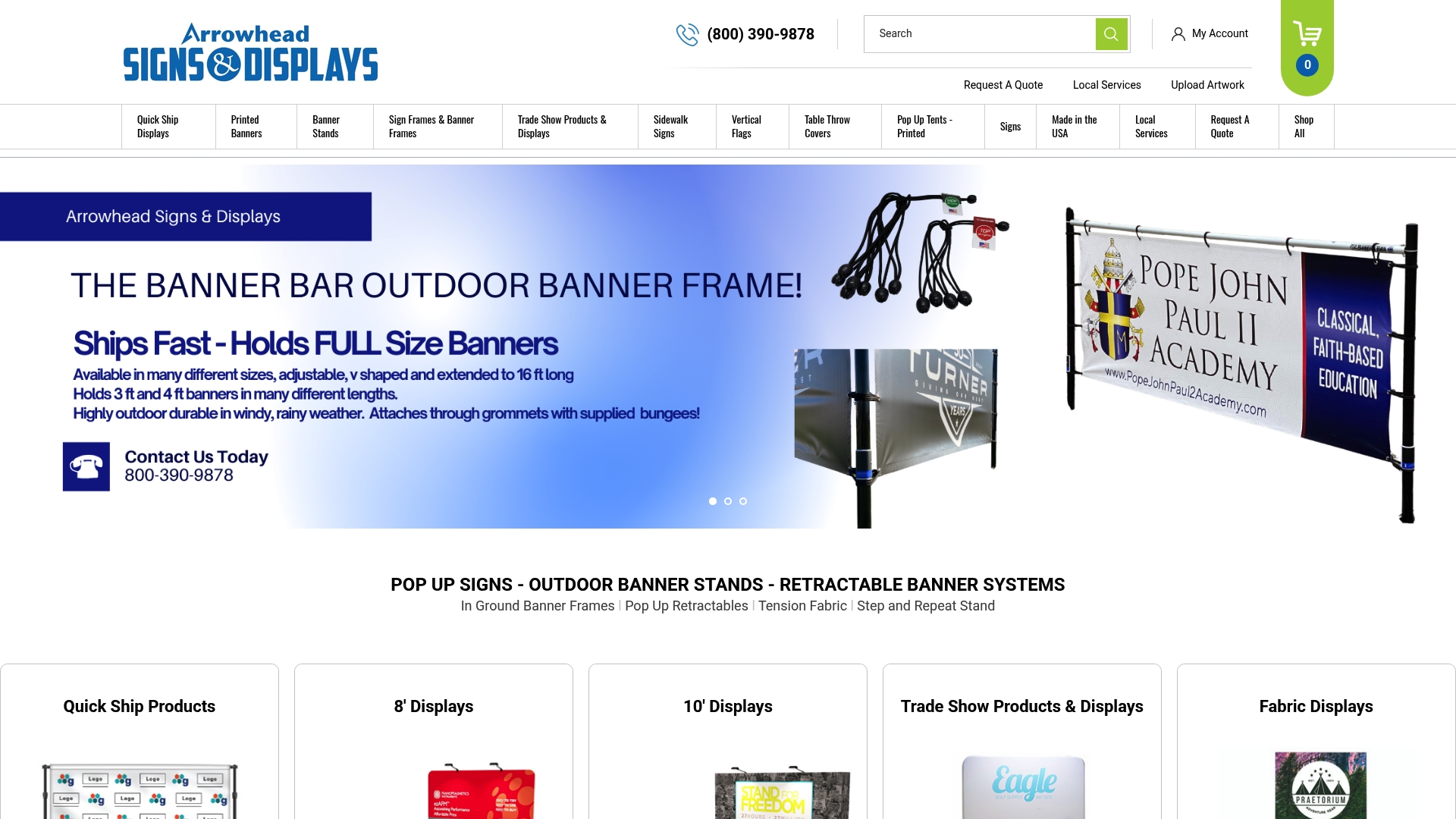
Beyond business cards, the catalog covers what exhibitors actually need for a complete booth presence. The Signicade Deluxe A-Frame Sidewalk Sign works well for directing foot traffic outside a venue entrance, while a 10 ft stretch fabric display gives your booth a large-format backdrop that can be color-matched to your business cards in the same order. For outdoor events, the Outdoor Banner Frame from The Banner Bar holds up in wind and weather without sacrificing print sharpness.
If you’re planning your next event and want your cards, signage, and displays to arrive as one coordinated set, browse the full catalog and get a quote today.
Sources
For deeper research on paper weight and finish, Shopify’s guide to business card paper and Looka’s breakdown of weights and finishes are strong starting points. For dimension and bleed specifics, see this printer-ready sizing guide. For color consistency, consult the Pantone Matching System directly.
- How to choose paper stock for business card printing: a designer’s practical guide
- Guide to business card paper: weights, finishes, & more
FAQ
What Is the Best Cardstock Thickness for Business Cards?
Most professional business cards work best on medium thickness cardstock, which corresponds to roughly 324 to 400 gsm and balances cost, durability, and print quality well.
Should I Choose Matte or Glossy Finish?
Choose matte or uncoated stock if the card needs to be written on, since ink and pen performance are noticeably better on those surfaces; choose glossy if vivid color and photography-style printing matter more than writability.
How Long Does Business Card Printing Take?
Standard turnaround typically runs 5 to 10 business days from proof approval to shipping, while expedited options can bring that down to 2 to 4 business days; Arrowhead Sign Company - Signs, Banners and Trade Show Displays ships most orders within two business days.
How Many Business Cards Should I Order for an Event?
Most small businesses and solo exhibitors do well ordering 250 to 500 cards, which balances reasonable per-unit pricing against the flexibility to reorder if contact details or branding change.
Do I Need a Proof Before Printing Business Cards?
Yes. A real proof, ideally a physical 100%-scale test print, catches trim, legibility, and color issues that on-screen files hide, and any printer skipping this step is cutting a corner that costs more to fix later.