

Use a Dynamic QR Code on Your Business Card
Posted by Deeder Dandenhorf on Aug 25th 2026
Use a Dynamic QR Code on Your Business Card
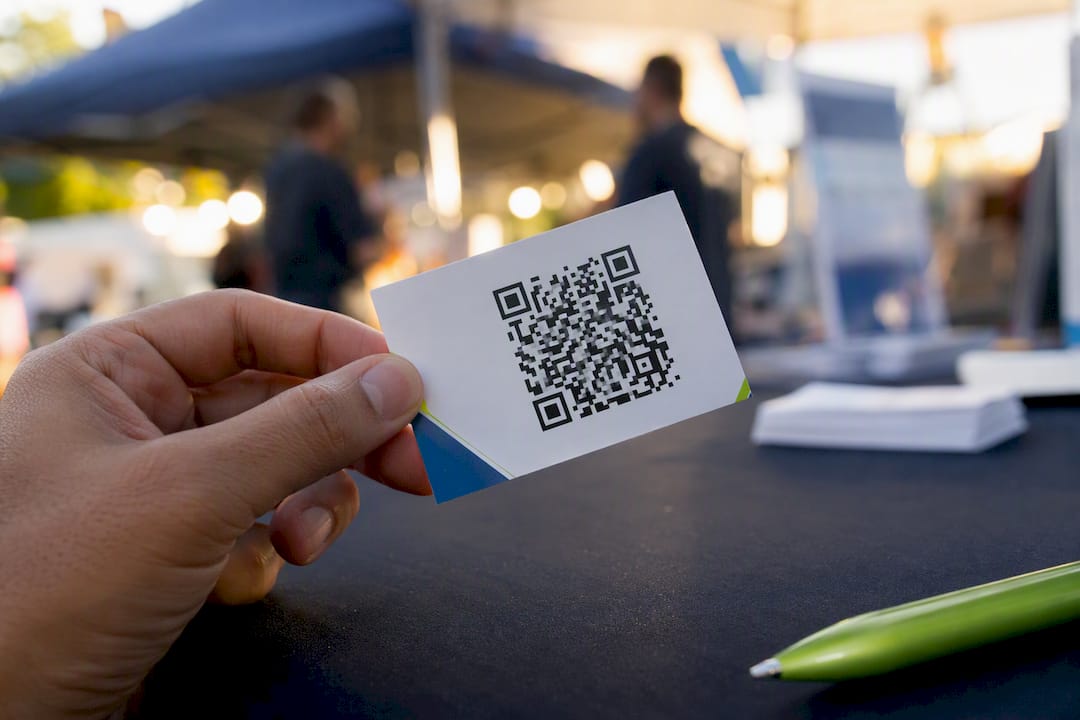
Put a dynamic QR code on your business card that links to a vCard or a compact mini-site, size it between approximately 0.6 and 1.0 inch, and label it with a clear call to action like “Scan to save my contact.” Skip static codes entirely. Before you order a single print run, build and test the destination page first.
Here’s your quick-start checklist:
- Destination: vCard for instant contact save, or a mini-site if you want to show a portfolio or booking link
- Size: 0.6 to 1.0 in (15 to 25 mm) square, larger for vCard codes which usually require slightly larger sizes due to data density
- Code type: dynamic, not static, so you can edit and track scans after printing
- Next step: finalize your destination content before generating anything
Key Takeaways
A dynamic QR code pointing to a vCard or mini-site, sized between 0.6 and 1.0 inch and tested on two phone types, is the print-ready standard that actually scans and converts.
| Point | Details |
|---|---|
| Choose dynamic, not static | Dynamic codes let you edit the destination after printing and track scan analytics. |
| Match size to code type | Use 1.0 in (2.5 cm) minimum for vCards, 0.8–1.0 in (2–2.5 cm) for simple URLs. |
| Proof before printing | Test the code on both iPhone and Android, then print one sample card first. |
| Pair prints with fast fulfillment | Arrowhead Sign Company - Signs, Banners and Trade Show Displays ships most orders within two business days with Arizona venue delivery, useful for last-minute event kits. |
Where to Learn More
- BizBuzz’s QR code business card guide covers dynamic code setup end to end
- QR Insights’ vCard guide breaks down vCard field requirements and sizing
- Forbes Tech Council’s networking piece explains why print and digital still work best together
- LinkMyPrompt’s design guide lists exact minimum print sizes
Table of Contents
- What to Put Behind Your QR Code Business Card
- How Do You Create a QR Code Business Card?
- What Size Should a QR Code Be on a Business Card?
- Printing Files: Formats, Finishes, and Proofing
- QR Code or NFC: Which One Belongs on Your Card?
- What Does a QR Code Business Card Cost?
- How Arrowhead Sign Company Supports Fast Event Turnaround
- Get Your Event Kit Printed Fast
- Sources
- FAQ
What to Put Behind Your QR Code Business Card
The single biggest decision you’ll make is what happens after someone scans. A vCard dumps your name, phone, title, company, and email straight into their contacts app with one tap. No typing, no app download, no friction. That instant save is exactly why vCards work so well at trade shows and quick introductions where you may never see the person again.
A mini-site or link-in-bio page trades that instant save for range. You can point to a portfolio, a booking calendar, your latest case study, or three different social profiles at once, and most platforms give you scan analytics a static vCard cannot.
The trade-off comes down to three things:
- Data density: vCards pack more raw information into the same visual space, which pushes minimum print sizes up slightly
- Reliability: simpler URL codes tend to scan faster in poor lighting
- Updateability: a mini-site behind a dynamic QR code can be edited anytime; a printed vCard’s fields are locked unless you’re using a dynamic wrapper
Pro Tip: If you’re unsure which to choose, use a dynamic URL QR code that redirects to a vCard file hosted online. You get the one-tap save AND the ability to update it later.
How Do You Create a QR Code Business Card?
Building a QR code business card that actually works in the field follows a specific order. Skip a step and you’ll end up reprinting.
- Build the destination first. Decide between a vCard file or a mini-site, then create and publish it before you touch a QR generator. A QR code pointed at nothing is worse than no QR code at all.
- Generate a dynamic QR code. As BizBuzz’s guide to QR code business cards notes, a dynamic code lets you swap the destination after printing and gives you scan analytics, something a static code never offers.
- Set error correction to Level H. High error correction (about 30% redundancy) keeps the code readable even if a corner gets scuffed or you overlay a small logo, according to guidance on adding QR codes to business cards.
- Export the right file. Save as vector SVG for the sharpest print result, or a high-resolution PNG at 300 DPI minimum if vector isn’t available.
- Place it with breathing room. Leave a clean quiet zone around the code and add a short CTA line underneath, then generate a proof PDF.
- Test on multiple phones. Check the code on an iPhone and an Android device before you approve the file.
- Print one sample first. Run a single card through your printer or send one proof card before committing to the full batch.
| Point | Details |
|---|---|
| Destination first | Publish your vCard or mini-site before generating any QR code. |
| Error correction | Set Level H so logos or minor print damage don’t break the scan. |
| File format | Export vector SVG or 300+ DPI PNG for crisp print reproduction. |
| Test before print | Scan the proof on both iPhone and Android, then print one sample card. |
What Size Should a QR Code Be on a Business Card?
Size mistakes are a common reason printed QR codes fail to scan, and following recommended size guidelines improves scan success. Simple URL codes carry less data and can scan reliably as small as 0.8 in (2 cm), but most design guides recommend 1.0 in (2.5 cm) as the safer floor, especially under imperfect lighting.
vCard codes need more room. Because they encode full contact fields rather than a short link, they typically require larger print sizes than a simple URL QR to keep the pixel pattern dense enough to read cleanly.
| Code type | Minimum size | Recommended size |
|---|---|---|
| Simple URL | 0.8 in (2 cm) | 1.0 in (2.5 cm) |
| vCard | 1.0 in (2.5 cm) | 1.0 in (2.5 cm) |
A few layout rules matter as much as size:
- Keep a quiet zone (blank margin) around the code equal to roughly four modules on each side
- Use high contrast, dark code on a light, solid background, never a photo or gradient behind it
- If you overlay a logo, keep it under 15% of the code’s total area and pair it with high error correction
- Front placement works well for a clean, minimal card; back placement leaves your front design untouched and gives the code more visual space
Printing Files: Formats, Finishes, and Proofing
Send your printer a vector SVG whenever possible. It scales without losing sharpness at any print size, which matters because a slightly blurred QR code edge is often what causes a failed scan. If vector isn’t available, a PNG at 300 DPI or higher is the acceptable fallback. Keep your file in CMYK color mode, since RGB files can shift contrast slightly when converted for print, and contrast is exactly what a scanner relies on.
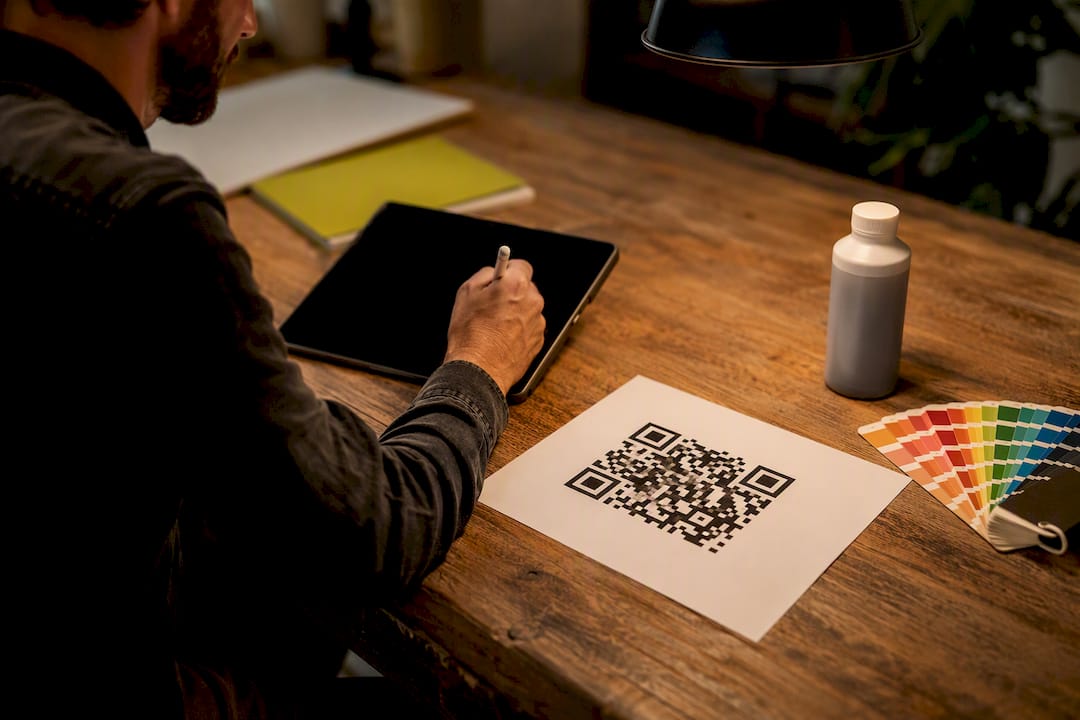
Finish matters more than most people expect. Design guides consistently recommend matte over gloss because glossy stock reflects light directly into a phone’s camera, and that glare is a common cause of scan failure. Avoid photographic backgrounds behind the code for the same reason.
Before sending a full order:
- Confirm bleed and margin specs with your printer, typically 0.125 in bleed on each edge
- Request one proof card or a small test batch before committing to hundreds
- Scan the proof under normal indoor lighting and again under bright overhead light
Pro Tip: Print one card, walk it into a dim conference room and a bright lobby, and scan it in both. That thirty-second test catches more problems than any file review ever will.
QR Code or NFC: Which One Belongs on Your Card?
QR wins on reach. Every modern smartphone camera reads a QR code natively, no app required, while NFC still depends on the recipient’s device supporting tap-to-read and having it enabled. That universal compatibility is why QR remains the default choice for most professionals.
Cost tips the scale further. A QR code costs nothing beyond the print itself, while NFC requires an embedded chip in every single card, adding real per-unit hardware cost.
- Choose QR when: you want zero added hardware cost, universal device compatibility, and scan analytics through a dynamic code
- Choose NFC when: you’re handing out extremely high volumes of cards at a single touchpoint and want a true tap, not a scan
- As one industry comparison puts it, QR offers broader reach and lower cost for most professionals, and NFC only earns its keep when handoff speed at true scale is the priority
What Does a QR Code Business Card Cost?
Most dynamic QR code generators offer a usable free tier, but expect to pay a small monthly fee once you want analytics, unlimited edits, or multiple codes under one account.
Printing costs vary by material and quantity, and most print shops set a minimum order for custom card runs. Budget for the proof stage separately: one test card is cheap, but a full batch that fails to scan because of an untested size or finish choice is not.
- Free QR tools: basic generation, sometimes static only
- Paid QR tools: dynamic codes, edit-after-print, scan analytics
- Ordering tip: always approve one printed sample before authorizing your full print run
How Arrowhead Sign Company Supports Fast Event Turnaround
When a QR business card order lands the same week as a trade show, printing speed matters as much as design accuracy. Arrowhead Sign Company - Signs, Banners and Trade Show Displays ships most products within two business days and delivers directly to Arizona venues, which covers the gap between “we need this by Thursday” and a finished proof in hand.
- Pair printed cards with a Signicade Deluxe A-Frame Sidewalk Sign for booth entry signage
- Add a 10 ft stretch fabric display for backdrop branding
- Use an Outdoor Banner Frame from The Banner Bar for outdoor visibility near your table
A Quick Take on QR Cards From the Field
A printed card still does the job a QR code can’t: it puts something physical in someone’s hand and signals you took the meeting seriously. As Forbes Tech Council contributors argue, a QR code works best as a bridge, not a replacement, carrying the data a paper card never could. Skip the mistake I see most often: printing a batch before scanning a single proof card under real lighting.
— Dan
Get Your Event Kit Printed Fast
You’ve got the specs. Now you need someone who can turn a proof around before your event date arrives, not two weeks after. Arrowhead Sign Company - Signs, Banners and Trade Show Displays ships most orders within two business days and delivers directly to venues across Arizona, which means your QR business cards, your booth signage, and your banner stand can all show up together instead of trickling in piecemeal.
If you’re building a full event kit around your new cards, check our trade show signage every small business needs for pairing ideas, then head to our full product catalog to request a rush proof on your business cards, banners, or A-frame signs before your next show.
Sources
- Don’t throw away your business cards: leveraging QR code in networking | Forbes Tech Council
- QR Code Business Cards: The Complete 2026 Guide (How to Make One That Actually Works) | BizBuzz
- QR Code Business Cards: Complete Guide to vCard QR Codes (2026)
FAQ
How Do I Make a QR Code Business Card?
Build your destination page (a vCard or mini-site) first, generate a dynamic QR code pointed at it, size it between 0.6 and 1.0 inch, then test on multiple phones before printing.
Is It a Good Idea to Put a QR Code on a Business Card?
Yes, when it’s paired with a physical card rather than replacing it. The card builds trust while the QR code transfers richer contact data instantly.
How Much Does a QR Code Business Card Cost?
Basic dynamic QR generation is often free or low-cost, with paid tiers adding analytics and unlimited edits; printing costs depend on your chosen material, finish, and quantity, and Arrowhead Sign Company - Signs, Banners and Trade Show Displays ships most orders within two business days.
Can I Scan a QR Code for a Business Card With Any Phone?
Yes, nearly every modern smartphone camera reads QR codes natively without a separate app, which is one reason QR remains more universally compatible than NFC.
Recommended
- Proofing Custom Promotional Signage: A Small Business Guide - Arrowhead Sign Company
- Quick Turnaround Banner Printing Guide for Events - Arrowhead Sign Company
- Signs Every Small Business Needs for Trade Shows - Arrowhead Sign Company
- Why Custom Packaging Inserts Matter for Small Businesses - Arrowhead Sign Company