

Business Card Sizes: The US Standard and Every Variation
Posted by Deeder Dandenhorf on Aug 24th 2026
Business Card Sizes: The US Standard and Every Variation
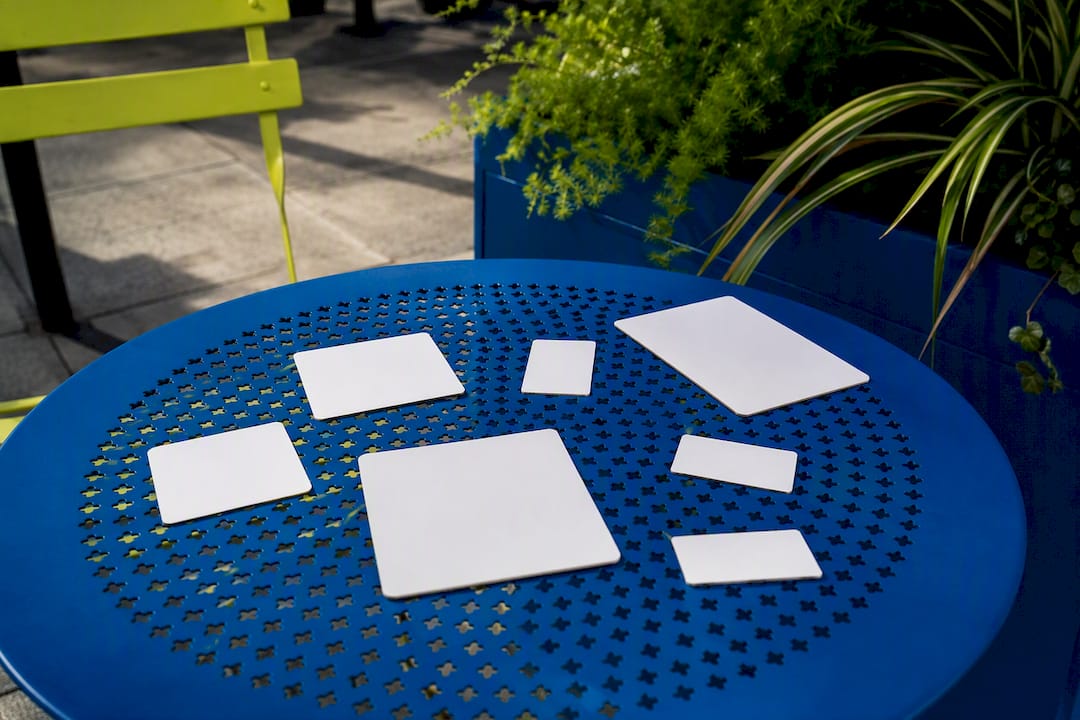
The standard U.S. business card size is 3.5 inches × 2.0 inches (88.9 × 50.8 mm). At 300 DPI, that’s 1050 × 600 pixels, and printers typically want at least 0.125 inches of bleed around the edges. Unless you have a real branding reason to go custom, like a square card for a design studio or a mini card for a networking event, stick with the standard. It fits every wallet slot, cardholder, and desktop organizer made in the last fifty years.
Quick specs to keep on hand:
- Standard size: 3.5" × 2.0" (88.9 × 50.8 mm)
- 300 DPI pixel size: 1050 × 600 px
- Recommended bleed: 0.125" per side, bringing the full-bleed file to roughly 3.75" × 2.25"
- Safe area: keep text and logos about 0.125" inside the trim line
Pro Tip: Save your print file at the bleed size, not the trim size. It’s easier to trim extra material off than to add it back in.
Key Takeaways
The US standard business card size, 3.5 inches by 2.0 inches, remains the most practical choice because it matches wallet and cardholder dimensions nationwide.
| Point | Details |
|---|---|
| Default to standard size | Use 3.5" × 2.0" unless a specific branding goal justifies a custom shape. |
| Build in proper bleed | Set files to 3.75" × 2.25" with 0.125" bleed on every side to avoid trim errors. |
| Choose stock over novelty | Pick 14pt to 16pt matte stock before considering an unusual size or shape. |
| Know your sheet yield | Expect about eight cards per 8.5" × 11" sheet in a professional print layout. |
| Work with a proofing printer | Arrowhead Sign Company - Signs, Banners and Trade Show Displays checks bleed, DPI, and safe area before printing and typically ships within two business days. |
For further reading on specs and conversions, see the size and pixel breakdowns from Namecheap, bleed and safe-area guidance from Printability, and regional standards from Shopify. For file prep on other print products, Arrowhead’s guides on standard banner sizes and proofing custom signage cover related setup questions.
Table of Contents
- What Are the Standard Business Card Dimensions?
- Should You Consider a Square, Mini, or Credit-Card Size?
- What Bleed, Trim, and Safe Area Specs Do Printers Need?
- Which Card Stock Weight Should You Choose: 14pt or 16pt?
- Where Does Arrowhead Sign Company Fit Into Your Print-Ready Workflow?
- Ready to Print Your Business Cards Fast?
- Sources
- FAQ
What Are the Standard Business Card Dimensions?
The 3.5" × 2.0" format didn’t happen by accident. It’s close to the size of a credit card, which means it slides into the same wallet pocket, the same cardholder, and the same rolodex slot that’s been standard in American offices for decades. That physical compatibility is the real reason it stuck, not some printing-industry committee decision.
Here’s the full breakdown designers actually reach for when setting up a file:
| Measurement | US Standard Card | Full Bleed | Safe Area |
|---|---|---|---|
| Inches | 3.5" × 2.0" | 3.75" × 2.25" | ~3.36" × 1.86" |
| Millimeters | 88.9 × 50.8 mm | 95.25 × 57.15 mm | ~85.3 × 47.2 mm |
| Pixels at 300 DPI | 1050 × 600 px | 1083 × 633 px | ~1008 × 558 px |
Outside the US, the standard shifts. If you’re designing for an international client or printing abroad, keep these regional norms in mind:
- Europe and the UK: roughly 85 × 55 mm (3.346" × 2.165")
- Japan: roughly 91 × 55 mm (3.582" × 2.165")
- Australia: roughly 90 × 55 mm
None of these are wrong, they’re just built around different wallet and holder standards common in those markets. A UK printer’s size guide is worth a look if you’re shipping cards overseas, since local card readers and holder racks are cut to their own dimensions. For US audiences, though, 3.5" × 2.0" remains the safest bet because it matches what people already carry in their wallets and set into their desk organizers.
Should You Consider a Square, Mini, or Credit-Card Size?
Standard isn’t the only option, and sometimes it isn’t the best one. A boutique studio, a wedding photographer, or a niche consultant might benefit from a card that looks different in someone’s hand. Here’s how the common alternatives stack up.
- Square cards typically run 2.5" × 2.5". They stand out on a desk but often don’t fit standard cardholder slots, which means recipients may set them aside instead of filing them.
- Mini cards run around 3.0" × 1.0" to 3.5" × 1.5". Good for a secondary contact card or a QR-code insert, but too small to carry much information.
- Credit-card size (CR80) measures exactly 3.375" × 2.125", the same dimensions as an actual credit or ID card. That’s a real advantage: it slides into the exact slot people already use for their debit card, which improves retention.
- Rounded corners usually use a 1/8" or 1/4" radius. The tighter radius feels subtle; the wider one gives a noticeably softer, friendlier look. Either way, your safe area needs to shrink slightly near the corners so text doesn’t get clipped.
- Die-cut shapes (rounded edges, cutouts, custom silhouettes) add visual punch but complicate the print file. The die line has to sit inside the bleed, and any text near the cut edge needs extra clearance.
Pro Tip: If you’re ordering die-cut or rounded-corner cards, always ask for a proof that shows the actual die line, not just a flat rectangle. It’s the only way to confirm your logo won’t get trimmed off center.
Novelty sizes cost more per unit, take longer to produce, and, ironically, sometimes get tossed faster because they don’t fit anywhere convenient. Save the custom shape for a card that truly needs to make a memorable first impression, not for routine networking stacks.
What Bleed, Trim, and Safe Area Specs Do Printers Need?
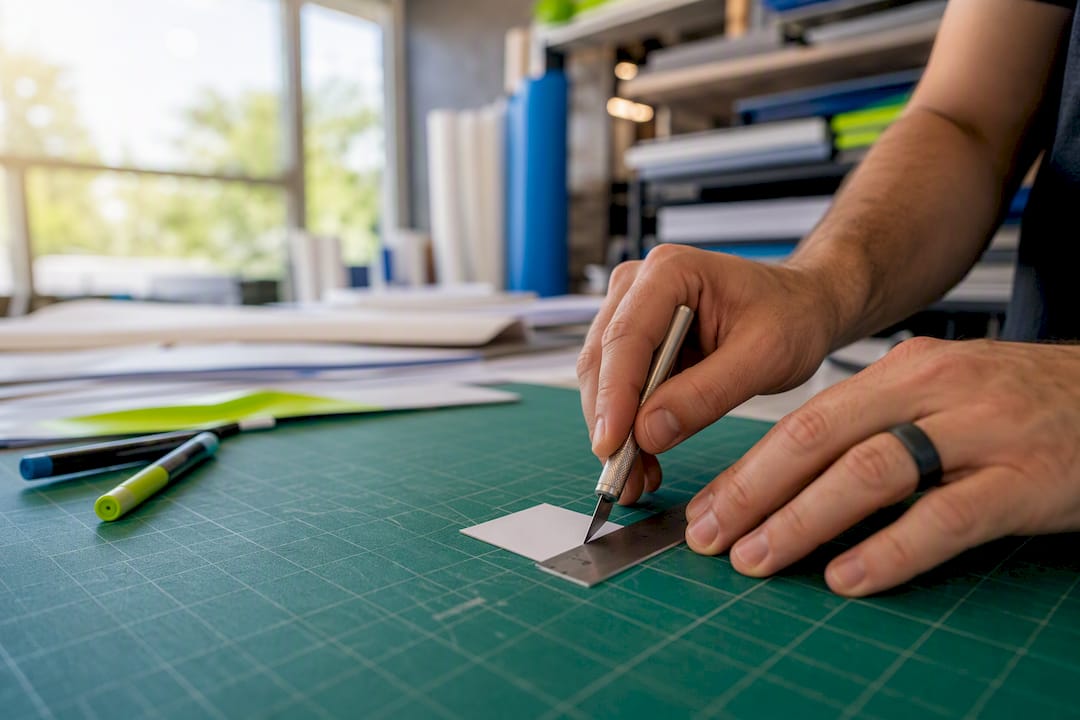
Every print-ready business card file needs three measurements set correctly, and getting even one wrong is the fastest way to end up with a reprint bill.
- Set your bleed to 0.125 inches on all four sides. Your file’s total canvas becomes 3.75" × 2.25" instead of the trim size of 3.5" × 2.0". This gives the printer margin for error when the blade cuts the sheet.
- Keep all text and logos inside the safe area, roughly 3.36" × 1.86", centered within the trim line. Anything closer to the edge risks getting clipped if the cut shifts even a hair.
- Design and export in CMYK, not RGB. Screens display color in RGB; presses print in CMYK. Skipping this conversion is one of the most common reasons a card’s colors look muddy or shifted once printed.
- Save at 300 DPI minimum. At that resolution, your files should measure 1050 × 600 px for the trim size and roughly 1083 × 633 px for the bleed size. Lower resolution images print visibly soft or pixelated.
- Export as a press-ready PDF, ideally PDF/X format, with all fonts embedded. Most commercial printers request this exact standard because it locks color settings and font data into the file itself.
Skipping the bleed step alone causes a huge share of reprint requests industry-wide, since a card trimmed even a sixteenth of an inch off-center can leave a thin white sliver along one edge if there’s no bleed to absorb the shift. For a deeper walkthrough on file prep, Arrowhead Sign Company - Signs, Banners and Trade Show Displays’s print-ready file checklist covers the same specs used across banners, signs, and business cards alike. Partner resource A3M’s production guide is another solid reference if you want to see how these standards apply across other print formats.
Which Card Stock Weight Should You Choose: 14pt or 16pt?
Card stock thickness matters more than most people expect when they’re deciding between formats. 14pt is the industry default: sturdy enough to feel professional, thin enough to slide easily into a standard cardholder slot. 16pt feels noticeably heavier in hand and reads as more premium, which is why it’s often recommended for client-facing executives or luxury brands. The trade-off is holder compatibility. Some slim cardholders and automated mailing inserters are built around 14pt tolerances, and a stack of 16pt cards can jam or bulge.
Finish choice matters just as much as weight:
- Matte finish resists fingerprints and reads as understated and modern.
- Glossy finish makes colors pop but shows smudges quickly.
- Soft-touch coating feels almost like suede, a nice upgrade for creative fields.
- Spot UV adds a raised glossy accent over a matte base, good for logos, but it costs more per card.
- Foil stamping adds metallic shine and signals a higher price point immediately.
Pro Tip: A high-quality 14pt or 16pt matte card almost always outperforms a novelty size printed on flimsy stock. Stock quality tends to carry more weight in how a card gets remembered than an unusual shape does. When in doubt, choose 14pt to 16pt matte stock in standard size. It’s the safest, most versatile combination for everyday professional use.
Where Does Arrowhead Sign Company Fit Into Your Print-Ready Workflow?
Getting the dimensions right on paper is one thing. Getting a printer who checks your file before it runs is another. Arrowhead Sign Company - Signs, Banners and Trade Show Displays reviews bleed, safe area, and resolution on every order before it goes to press, which catches sizing mistakes before they become a wasted print run.
A few things worth knowing about how Arrowhead Sign Company - Signs, Banners and Trade Show Displays operates:
- Most products, including business cards, ship within two business days of file approval.
- Arizona-based clients can get direct delivery straight to their venue or office, skipping the shipping wait entirely.
- The same production team that handles retractable banners, custom tents, and trade show displays applies the identical bleed and DPI standards to business cards, so your entire booth setup stays visually consistent.
If your file needs adjustment, the team flags it during proofing rather than printing it as submitted and letting you find out later.
A short take on when to break the standard
Default to the standard 3.5" × 2.0" size for anything you’re distributing in volume. It’s cheaper to print, easier to store, and guaranteed to fit every holder your prospects already own. Break from it only when the card itself is the marketing message, a photographer’s portfolio piece or a boutique’s signature square card, and you’re willing to trade some practicality for distinctiveness.
— Dan
Ready to Print Your Business Cards Fast?
If you’re already comparing card stock and file specs, you’re closer to ordering than researching. Arrowhead Sign Company - Signs, Banners and Trade Show Displays prints business cards on 14pt to 16pt stock with fast, standard fulfillment, most orders ship within two business days, and Arizona clients can get direct delivery to their venue instead of waiting on a shipping carrier.
Beyond cards, Arrowhead also handles the rest of your event presence: retractable banners, pop-up displays, and outdoor signage that share the same print-ready standards covered above. If you’re setting up for a trade show, the 10 ft stretch fabric display pairs well with a fresh box of business cards for a consistent booth look, and the outdoor banner frame works for sidewalk visibility outside the venue. Send over your print-ready file for a free proofing check, or start your order at Arrowhead Sign Company - Signs, Banners and Trade Show Displays today and get your cards moving through production this week.
Sources
- Business Card Size - Standard Dimensions in Inches & mm
- Best Business Card Dimensions and Design Considerations (2025) - Shopify
- Business card paper weight guidance
- Perforated product / sheet layout guidance
FAQ
Are Business Cards 2x3 Inches?
Not exactly. The true US standard is 3.5" × 2.0", often rounded colloquially to “2x3,” but the actual dimensions are 3.5 inches by 2.0 inches, not a perfect 2 by 3 rectangle.
Are Business Cards A7 Size?
No. A7 is an ISO A-series paper size that differs substantially from the dedicated standard business card size, which is 3.5" × 2.0".
Is 14pt or 16pt Business Card Stock Better?
Neither is universally better. 14pt is the common default and fits most cardholders comfortably, while 16pt feels more premium but can be too thick for some slim holders or automated inserters.
How Many Business Cards Fit on an 8.5 × 11" Sheet?
Technically up to ten cards fit without spacing, but professional print layouts typically place eight cards per sheet to leave room for bleed, gutters, and crop marks. Arrowhead Sign Company - Signs, Banners and Trade Show Displays follows this same production standard for short-run and full print jobs.
Recommended
- Standard Banner Sizes: A 2026 Guide for Marketers - Arrowhead Sign Company
- How Exhibitors Choose Banner Heights: Quick Sizing Guide - Arrowhead Sign Company
- DisplayShopUSA.com Alternatives for Small Business Exhibitors - Arrowhead Sign Company
- Why Custom Packaging Inserts Matter for Small Businesses - Arrowhead Sign Company